

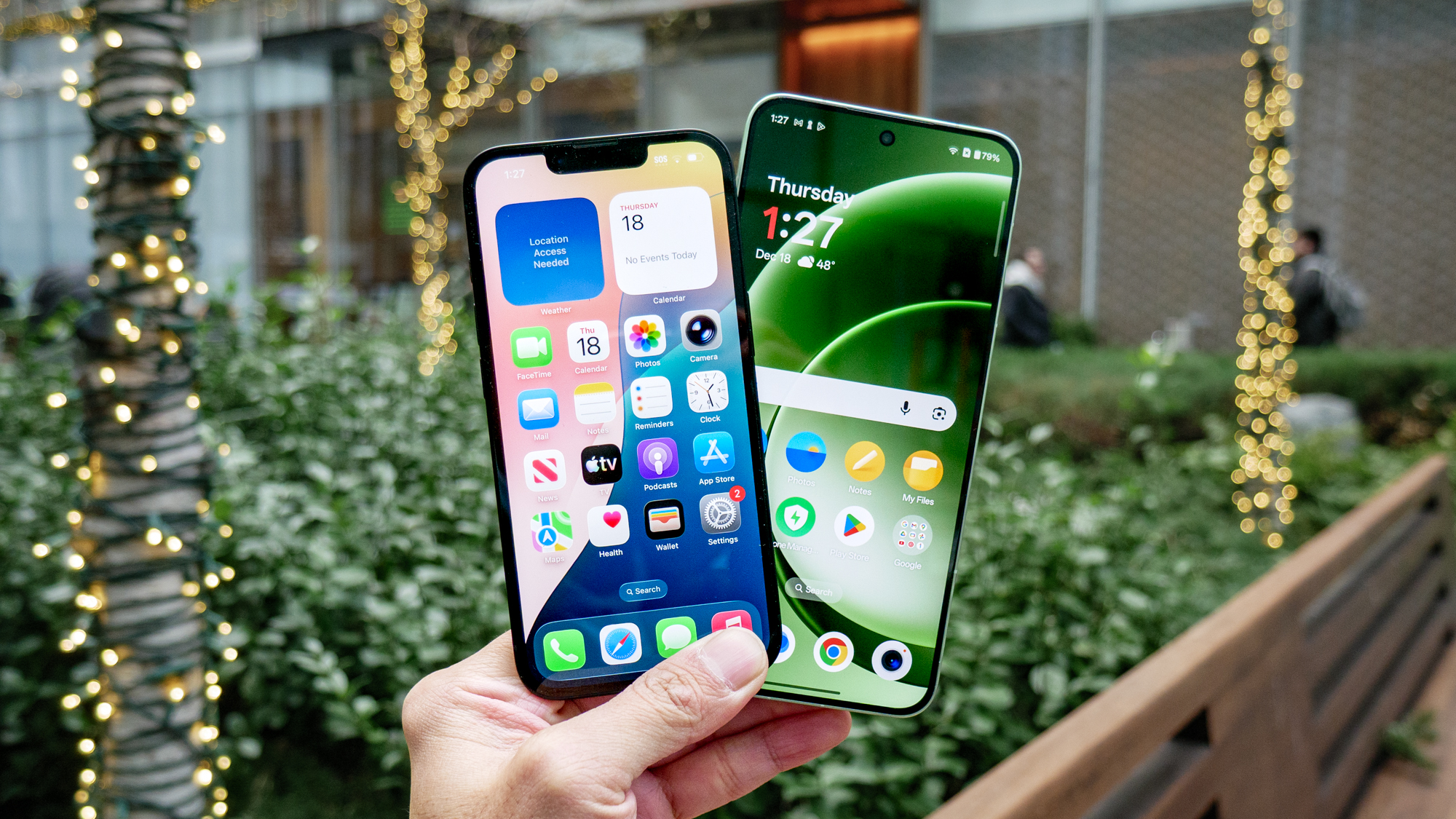
Getting a new phone is always exciting. The faster performance, better camera, and fresh design often make the upgrade feel worthwhile. However, while most people focus on transferring photos, contacts, and apps, they often overlook one important factor: privacy.
Today, smartphones store a significant amount of personal information. From banking apps and private messages to browsing history and location data, your phone contains details that deserve protection. Therefore, setting up your device with privacy in mind from the very beginning is one of the smartest decisions you can make.
In this guide, you’ll learn how to configure a new phone for maximum privacy without sacrificing convenience.
Start with the Latest Software Update
Before installing apps or moving your data, update your phone’s operating system. Manufacturers regularly release security patches that fix vulnerabilities discovered by researchers and hackers. As a result, running outdated software can leave your device exposed from day one.
Whether you’re using Android or iPhone, navigate to the software update section and install the latest version available. Although it may take a few minutes, this simple step dramatically improves your phone’s security.
Furthermore, enable automatic updates so future patches are installed without requiring manual action.
Create Strong Authentication Settings
Once your device is updated, your next priority should be securing access to it. Many users still rely on simple PINs or weak passwords. Unfortunately, these can be guessed or cracked relatively easily. Instead, choose a strong passcode that combines numbers and, where possible, letters.
Additionally, enable biometric authentication such as fingerprint recognition or Face ID. While no security method is perfect, biometric protection adds another layer of defense against unauthorized access.
Moreover, avoid using the same password across multiple accounts. Unique credentials significantly reduce the risk of widespread account compromise.
Review Privacy Permissions Carefully
During setup, your phone will ask for various permissions. While it may be tempting to click “Allow” on everything, taking a few extra minutes to review each request can make a huge difference. Many apps request access to:
- Location
- Camera
- Microphone
- Contacts
- Photos
- Calendar
However, not every application genuinely needs these permissions to function. For example, a flashlight app usually has no reason to access your contacts. Likewise, a simple game rarely requires continuous location tracking.
Therefore, grant only the permissions that are absolutely necessary. Later, you can revisit these settings and adjust them whenever needed.
Enable Find My Device Features
Privacy and security often go hand in hand. If your phone is lost or stolen, remote tracking and device management tools become incredibly valuable. Both Android and iPhone offer built-in features that allow users to locate, lock, or erase their devices remotely.
Consequently, enabling these tools during setup can help protect your personal information in case your phone falls into the wrong hands. Even better, test the feature once to ensure it works properly before you actually need it.
Strengthen Your Internet Privacy
Public Wi-Fi networks are convenient, but they also introduce potential risks. Cybercriminals often target unsecured networks to intercept sensitive information.
For this reason, many privacy-conscious users choose to add an extra layer of protection while browsing online. Services such as OysterVPN help encrypt internet traffic, making it much harder for third parties to monitor online activities, especially when using public hotspots.
Additionally, encrypted connections can help reduce exposure to certain tracking methods used across the web. As digital privacy concerns continue to grow, securing your internet connection has become just as important as securing the device itself.
Disable Unnecessary Tracking Features
Modern smartphones collect various forms of usage data. While some information helps improve services, excessive tracking may not align with your privacy goals. Therefore, review settings related to:
- Advertising identifiers
- Personalized ads
- App tracking
- Usage analytics
- Diagnostic data sharing
Reducing unnecessary data collection gives you greater control over how your information is used. Furthermore, limiting tracking often results in fewer targeted advertisements and a more private browsing experience overall.
Secure Your Cloud Backups
Cloud backups provide a convenient way to protect important files. However, they should be configured carefully.
First, verify that your cloud account uses a strong password. Then, enable two-factor authentication (2FA) for additional security. With 2FA enabled, even if someone obtains your password, they will still need a secondary verification code to access your account.
In addition, review what data is being backed up. Some users prefer backing up only essential information rather than storing every piece of personal data online.
Install Apps Selectively
One of the biggest privacy risks often comes from third-party applications. Many free apps generate revenue through data collection and advertising networks. Consequently, installing dozens of unnecessary apps can significantly increase your digital footprint.
Instead, download applications only from official app stores and prioritize developers with strong reputations. Before installing anything, take a moment to:
- Read reviews
- Check permissions
- Review privacy policies
- Verify developer credibility
Although this process requires a little extra effort, it can prevent serious privacy issues later.
Turn On Two-Factor Authentication Everywhere
Protecting your phone is important, but protecting the accounts connected to it is equally critical.
Email accounts, social media profiles, banking apps, and cloud services should all use two-factor authentication whenever possible. As a result, even if a password becomes compromised, attackers face an additional barrier before gaining access.
Today, most major platforms offer authentication through security apps, text messages, or hardware security keys. Among these options, authentication apps generally provide stronger protection than SMS-based verification.
Regularly Review Privacy Settings
Privacy isn’t something you configure once and forget forever. Apps receive updates, operating systems evolve, and new permissions may be introduced over time. Therefore, scheduling occasional privacy checkups is a smart habit.
Every few months, review:
- App permissions
- Location access
- Connected devices
- Account security settings
- Installed applications
By conducting regular audits, you can identify unnecessary access and maintain stronger control over your personal information.
Conclusion
A new phone offers a fresh start, and that includes a fresh opportunity to improve your privacy. By updating your software, controlling permissions, strengthening authentication, securing cloud backups, and limiting unnecessary tracking, you can significantly reduce your exposure to digital threats.
Most importantly, privacy is built through a series of small decisions rather than a single setting. When combined, these steps create a much safer mobile experience and help keep your personal information under your control from the very beginning.