

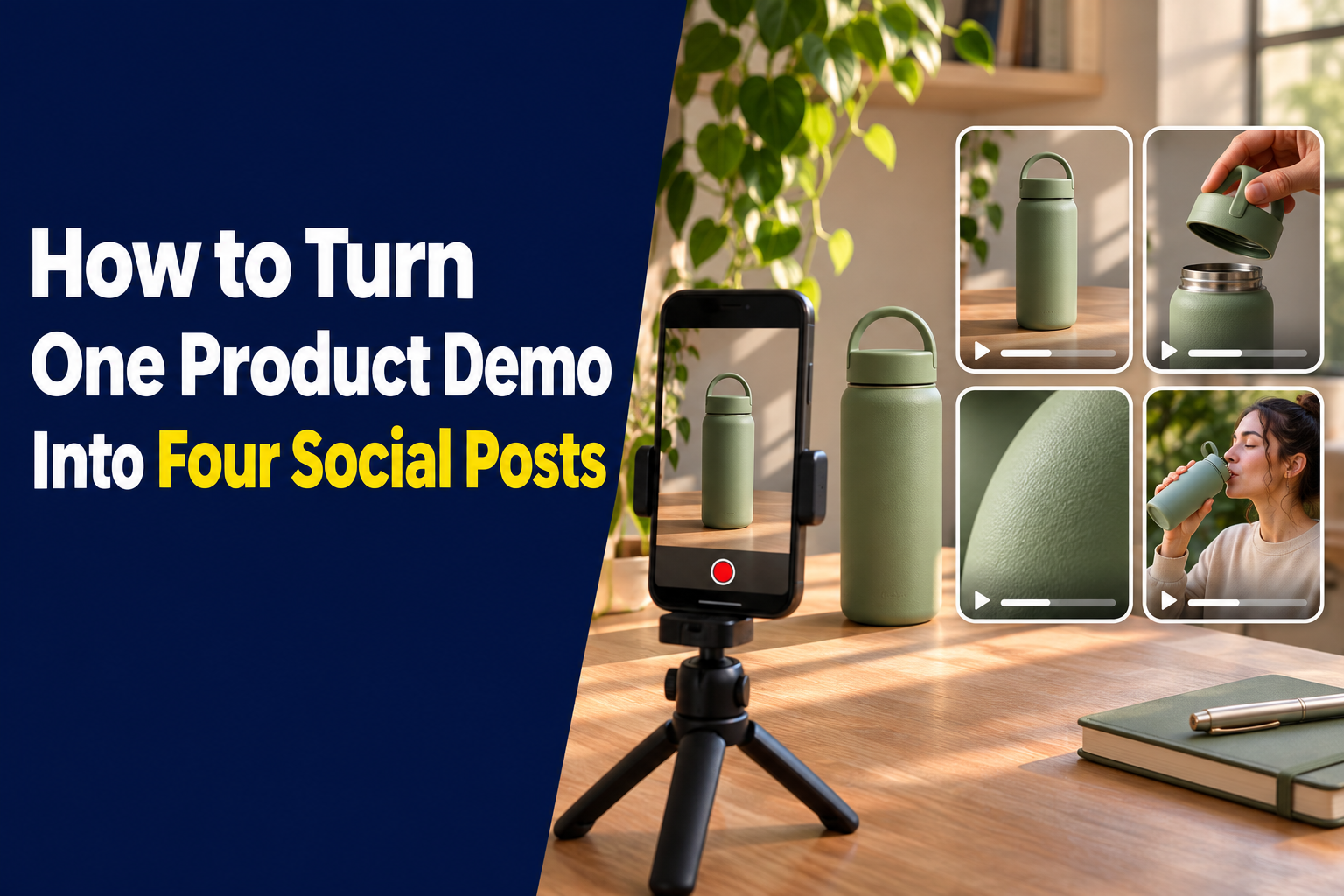
A skincare shop films a simple moisturizer demonstration. The footage shows the texture on a fingertip, how the cream spreads, and what the finish looks like near a window. It takes less than a minute to watch, yet it answers several questions a shopper might have. How much comes out of the tube? Does it spread easily? What does it look like once applied?
Publishing that clip four times is quick. Giving each version a distinct purpose takes a little more planning and gives viewers a reason to watch wherever they find it. You can keep the same footage and make four different posts by changing the opening shot, the information you emphasize, and what you ask the viewer to do next.
Capture Footage You Can Rearrange
Before you film, make a list of what the camera needs to prove. In this example, the viewer should be able to see the cream before it touches the skin, watch it spread, and inspect the finish. Record those moments as separate shots so you can move them around without cutting through a sentence or losing the start of an action.
A short shot list helps you get enough material in one session.
- Film the tube dispensing a small dab. Leave a moment before and after it lands so you have room to trim the shot.
- Record the application in one continuous take. Keep the hand in frame so viewers can see how far the dab spreads.
- Capture the finish under the same lighting and from the same angle as the opening. Keep the original footage free of text and music so each edit can have its own.
Record voiceover separately. A quiet clip of the cream spreading can open one post, while another can use the same shot behind a spoken answer. If you show the product packaging, hold it in frame so viewers can identify what you used. You can decide later whether it belongs at the beginning or the end.
Give Each Edit a Question to Answer
Write four questions before you start cutting. For this moisturizer, Instagram can show the finish in daylight, TikTok can answer a customer’s question about shine, YouTube Shorts can demonstrate how far a small dab spreads, and Facebook can help people understand what the product looks like before they visit the shop. Those differences tell you which footage to lead with and which details belong in each caption.
You can use a free hashtag generator for Instagram, TikTok, YouTube, and Facebook to brainstorm tags once those angles are clear. Start with the specific subject of each edit, such as “moisturizer finish in daylight” or “moisturizer amount demonstration.” Review the suggestions against the actual footage. A tag about a morning routine makes sense if the clip shows one. For a demonstration that only shows the cream on a hand, a texture or application tag is more precise.
Instagram Reels Can Lead With the Finish
Open with the result. Show the hand angled toward the window with a label such as “Moisturizer finish in daylight.” Then cut back to the dab and show how you got there. Return to the opening angle at the end so the viewer can connect the finish with the amount you applied.
The caption can read, “Here’s how one small dab spreads and looks by the window after application.” If people often ask about the texture, tell them what the footage shows in ordinary language. Give the close-up time to register. A fast cut from a shiny frame to a dull one can make a simple demonstration harder to follow.
For this version, #MoisturizerTexture and #SkincareDemo describe the visual focus. Choose a cover frame where the product and your short label are easy to see. The cover can help someone browsing your profile identify the clip later.
TikTok Can Start With a Real Customer Question
If customers regularly ask whether the moisturizer looks shiny, open with that wording. You might say, “A customer asked how shiny this looks after I rub it in. Here it is by the window.” Cut directly to the application, then turn your hand so viewers can see how the finish looks as it catches the light.
Keep the observation tied to your footage. “You can see a little sheen when I turn my hand” gives people something to look for. Use a caption such as “Checking the finish in daylight after applying one dab,” and consider #MoisturizerFinish as a starting point. If the question comes from a comment, use the wording that captures the concern and give enough context for viewers who have never seen the thread.
A useful prompt at the end might ask what shoppers want to see next, such as how the cream looks after it has had time to settle. A specific question can help you plan a follow-up with a clear purpose.
YouTube Shorts Can Make the Amount Easy to See
Build this edit around a task someone could repeat. Start with the dab in close-up and say, “Here’s how far this amount spreads on the back of my hand.” Keep the camera in place as you apply it. If you jump from the dab straight to the finish, you lose the step that answers the question.
A title such as “How Far Does One Dab of Moisturizer Spread?” sets the expectation before the clip begins. In the description, say where you applied it and what the demonstration covers. #MoisturizerApplication fits the lesson, with #SkincareDemo as a broader option. Let the final frame linger so someone can compare the starting amount with the area it covered. The result is a complete demonstration even if someone has never seen the product before.
Facebook Can Help Shoppers Plan a Visit
For the shop’s Facebook audience, lead with the product and explain why you are showing it. For example, “Here’s a quick look at the moisturizer we keep at the counter for customers who want to see the texture.” Follow that line with the dispensing shot and the application. If customers can try a tester, say where to find it. Confirm availability before including that detail.
Keep information someone needs to act in the caption. If the shop carries more than one moisturizer, identify the product in plain language so staff can find it when a customer asks. Add a link to the shop page or product listing if it helps. A relevant local tag can fit here alongside #SkincareDemo, particularly when the post directs readers to a store they can visit.
Leave Yourself a Record for the Next Demo
Save the clean footage and label each export with its platform and opening question. In the same folder, keep the caption and hashtags that went with it. That way, if a viewer asks about the amount shown on TikTok, you can find the longer application shot and use it to make a clear reply without filming the whole demonstration again.
When you review the posts, look for signs that each version did the job you gave it. An Instagram viewer might save the texture close-up, while someone on Facebook might ask whether the tester is available on Saturday. A question about how much cream you used could mean the amount needs to stay on screen longer. Write down the response alongside the edit, so you can see which choice may have prompted it.
The next time you film a product, bring those notes to the shoot. If shoppers wanted a steadier look at the finish, capture a longer close-up. If they kept asking how the package opens, add that shot before you put the camera away. Over time, you will get better at filming the details that make several genuinely different posts possible.
